

CartoVista supports the use of 4 major data types in the data columns of any given dataset:
- Strings
- Numerics (both, floats and integers)
- Images
- Date/Time
The dataset can contain any combination of these 4 data types in the data columns.
CartoVista allows users to specify the data types of their data columns when importing their data or in the data gallery.
Strings
String data is defined as a sequence of characters that can be composed of letters, or numbers, symbols, or a combination of the three.
In CartoVista, data columns can take the form of a string or be converted to string data if they are in another data format.
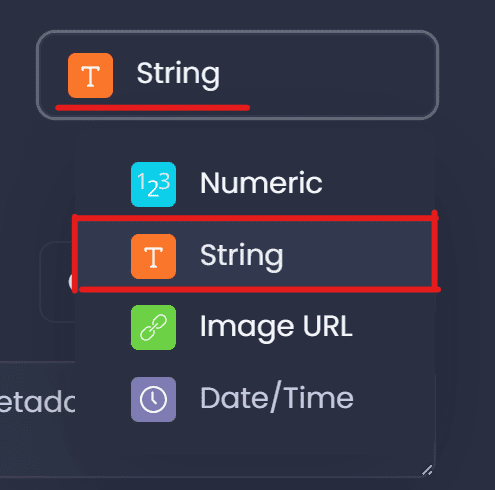
An data column is of string format in the platform when the following symbol is selected or assigned prior to import:
Numeric
Numeric data is defined as data in the form of numbers. These numbers can take the form of integers or floats with values ranging from negative infinity to infinity.
In CartoVista, data columns can take the form of numeric data or be converted to numerical data if the attribute was as a string prior to import. Strings not containing numbers will be converted to null values. Meaning that string data that contains strictly numbers can also be converted to numeric data upon import.
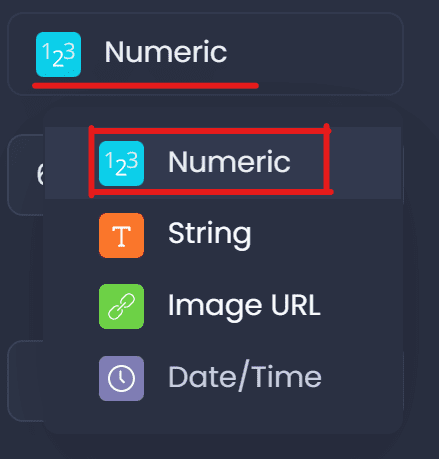
An attribute is of numeric format in the platform when the following symbol is selected or assigned prior to import:
Additionally, the precision of the numeric data can be specified to limit the number of decimal places for the attribute values by specifying the precision and enforcing a round to the specified precision as shown below:
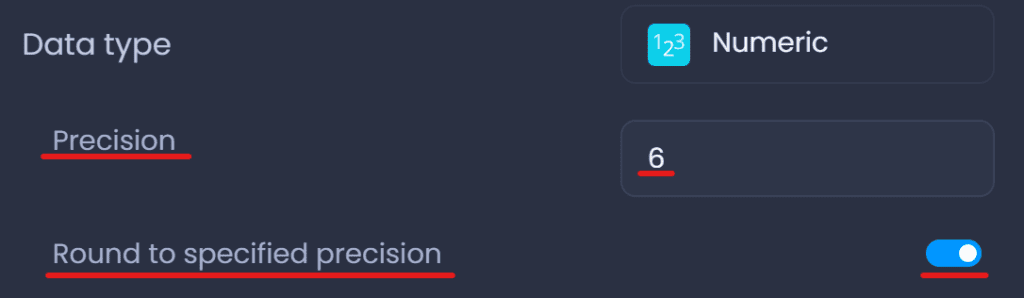
Units for this data type may also be specified to give context to the numerical data in the attribute. The unit placement can be before or after the values in the data columns.
ImageURL
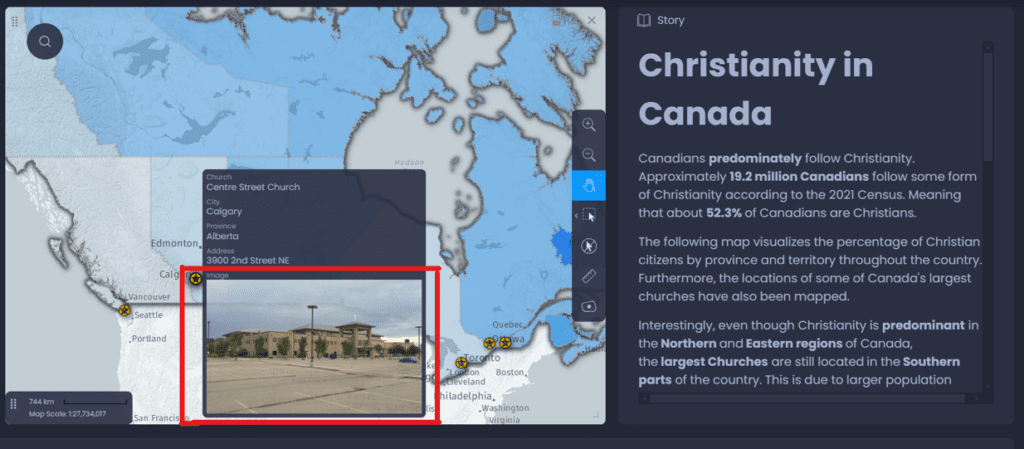
The ImageURL data type converts URL entries containing links to images in a data column to visible images in the datatips of the map panel when the attribute is selected in the data tip dropdown menu.
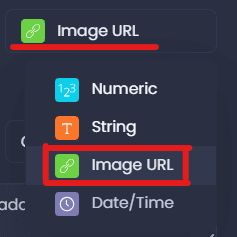
Result on the map after selecting the Image URL data type in the data tips of the layer:
Date/Time
In CartoVista, data columns can take the form of date/time data if the attribute type is set to the date/time format prior to exporting into the platform.
The accepted date/time format is yyyy-mm-dd.
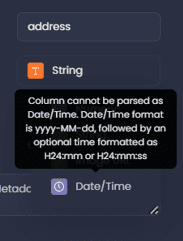
Strings can be converted to date/time format when exporting the data columns if the yyyy-mm-dd format is detected upon import.
Otherwise if the columns are not in the yyyy-mm-dd format, the following pop-up will appear when trying to convert the data type of the column to date/time:
Variable Aggregation, Description, Metadata & Mappability
After handling the data type parameters for a feature, the aggregation method, variable description, metadata, and mappability parameters can be set for the attribute.
- Aggregation
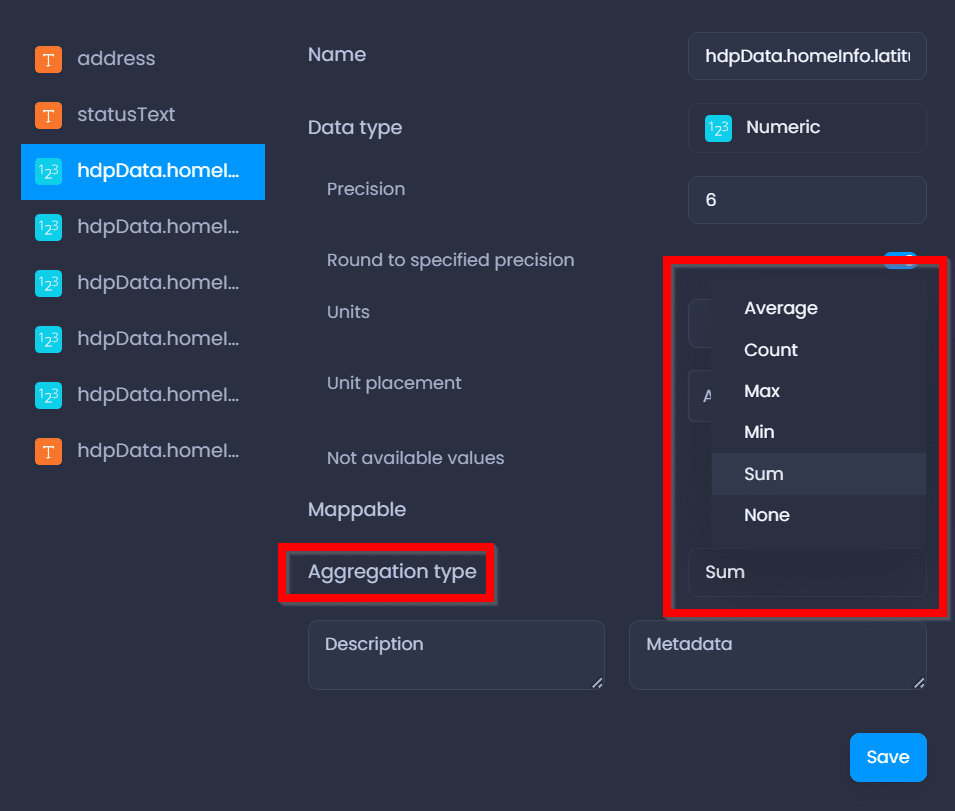
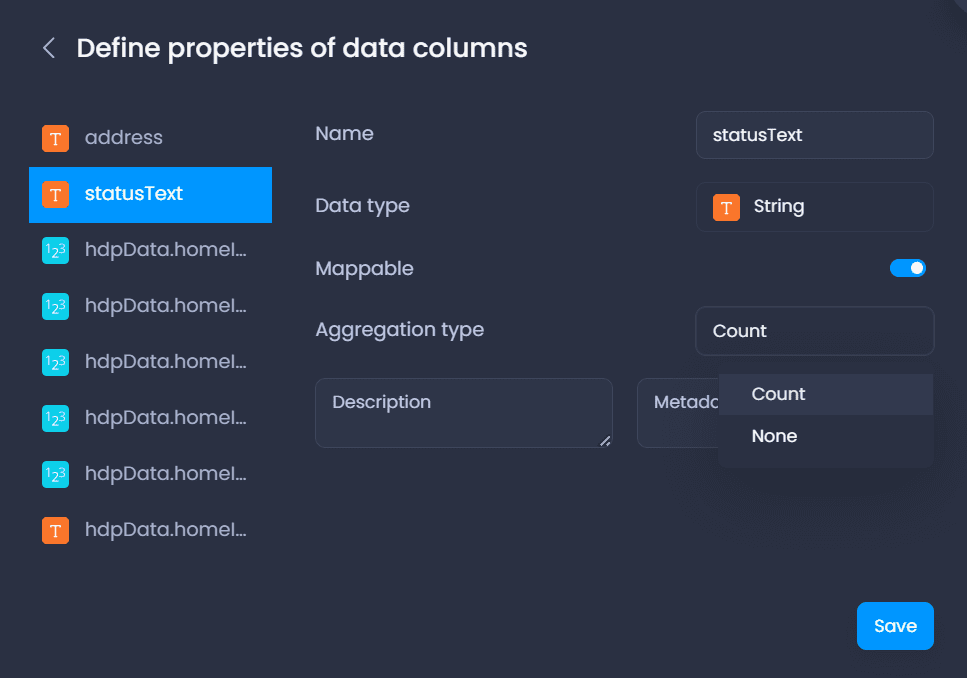
The aggregation technique for the variable;
- Numeric: aggregate data by average, count, max, min, or sum of attribute or none
- String, ImageURL + Date/Time: aggregate data by count or none
- Description & Metadata
A detailed description and metadata of a variable can be written to provide an explanation of what the variable represents
- Mappability
Allows the data column to be used for thematic analysis (link to thematic analysis article)
Changing Data Types in the Data Gallery
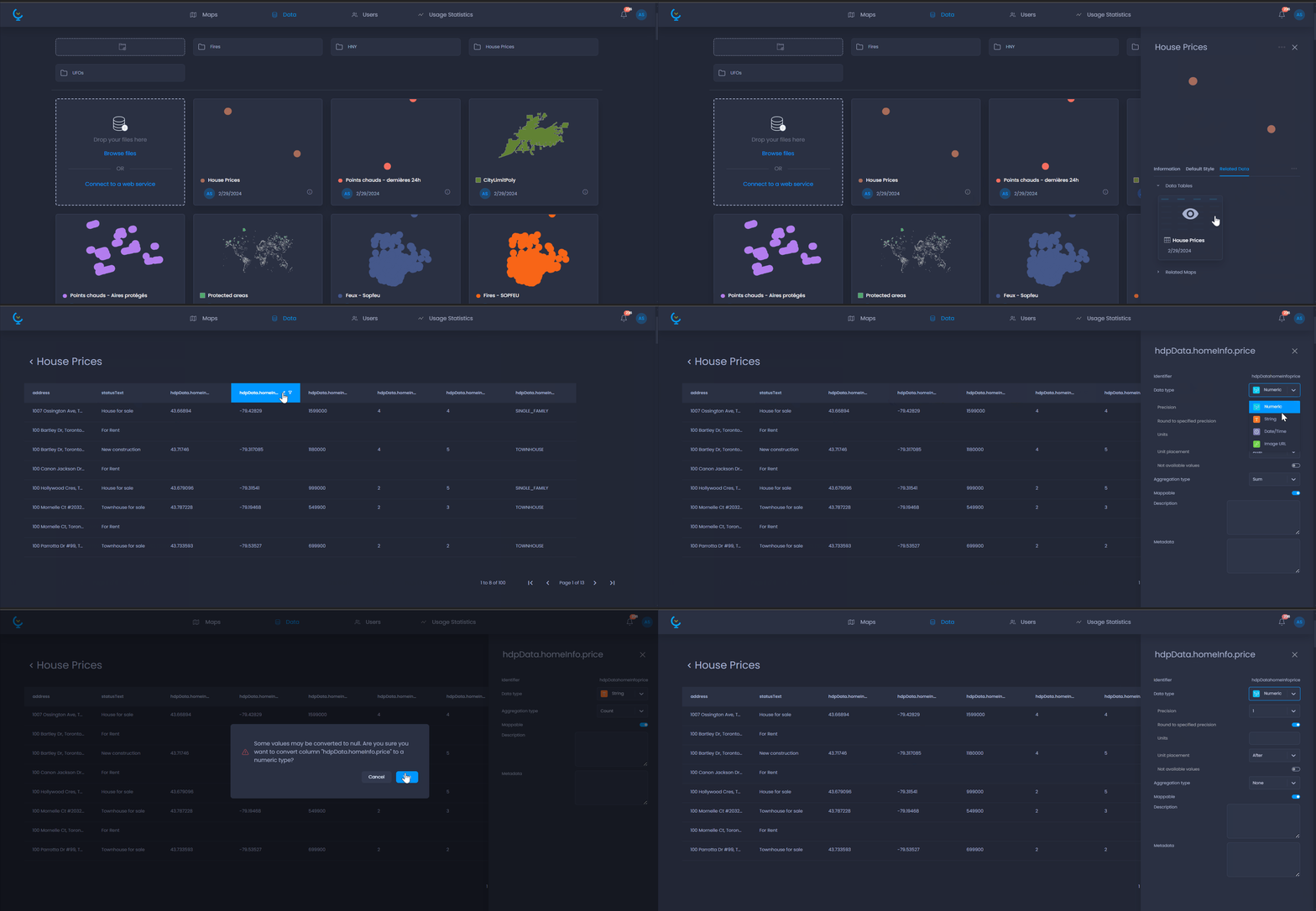
Data types for a data column can be changed in the data gallery for a layer’s table.