



Layers can be linked with other data layers using a common identifier. For example, you may have a shapefile layer with polygons of Census boundaries. To this layer you can link demographic data, sales data, etc. It is important to know how to find which data tables are connected to a layer for when you need to update or change the linked data table.
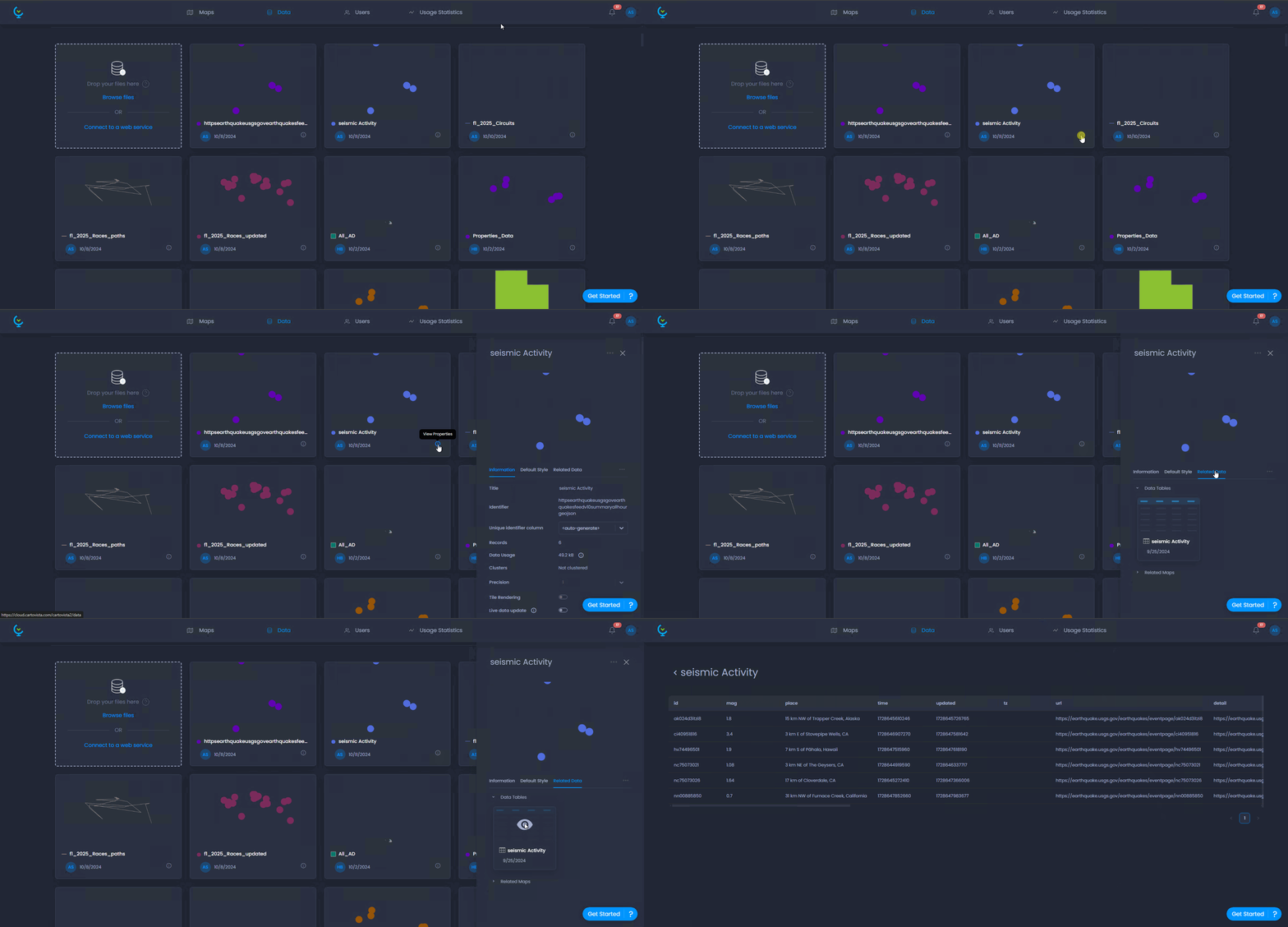
- Open the data tab from the main page
- Select your desired layer and click the information icon to open the information panel
- In the information panel, click on Related Data and under Data tables you can see the connected data tables
- Click on a data table to open and view it.
Useful Articles: