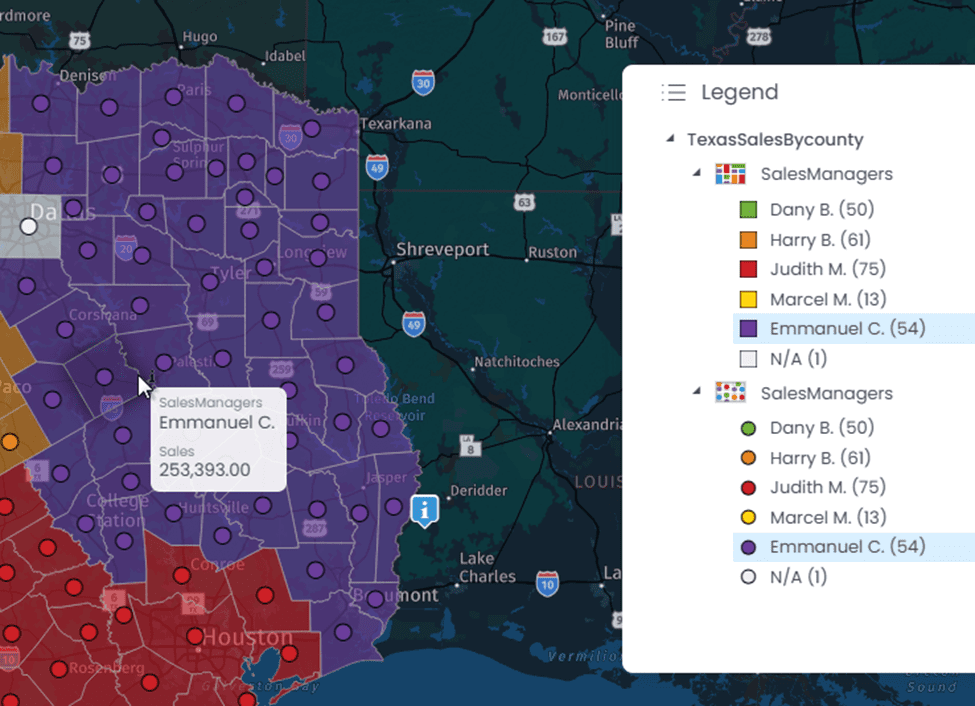



To perform bulk editing, the user must be a map creator or an administrator (see the different roles and permissions here).
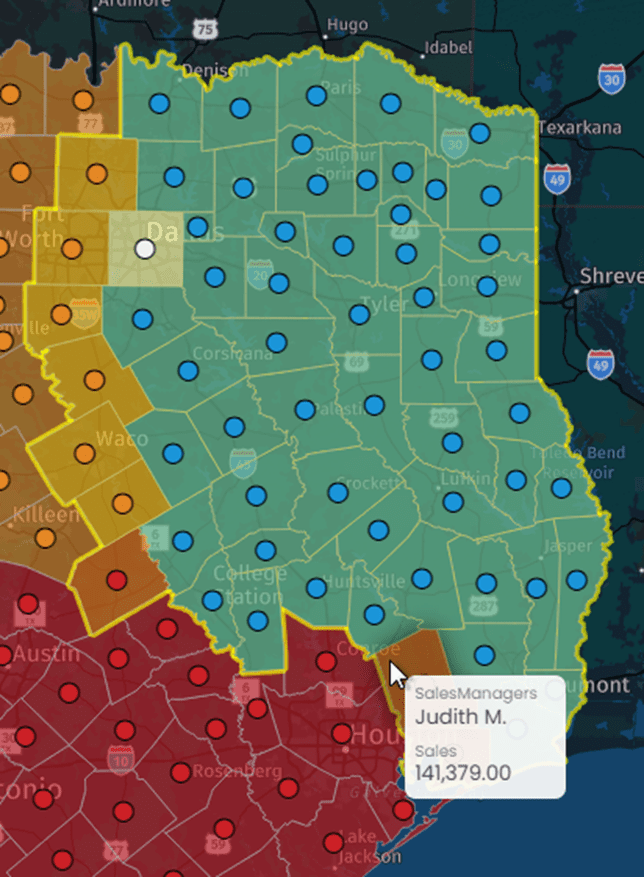
Let’s take as an example sales within fictional franchises in Texas:
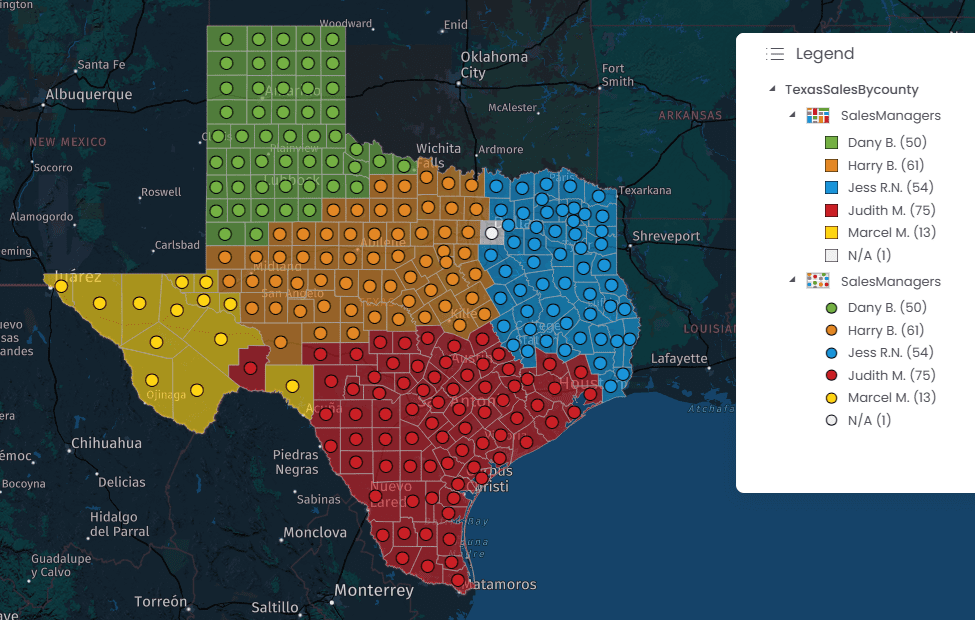
To bulk edit the manager name for the Blue area, select the polygons using the “Selection” tool:
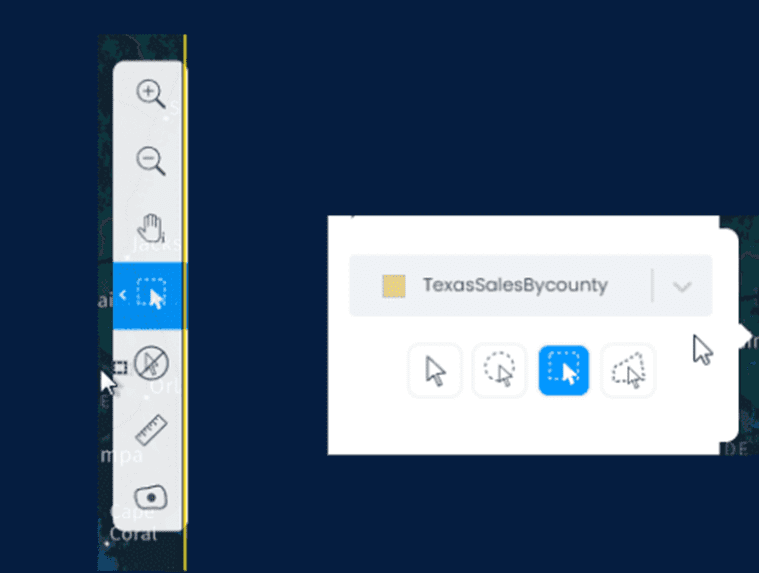
By hovering on the right side of the map, you can choose your selection mode. Make sure to select the appropriate layer.
Select the features to be updated using the polygon or rectangle selection tool.
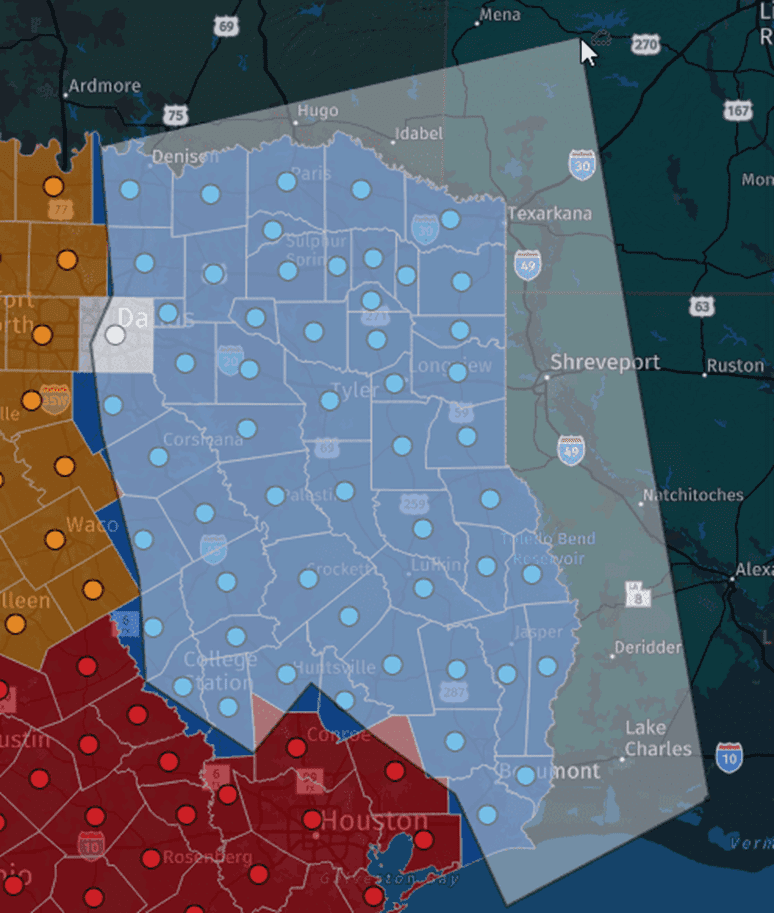
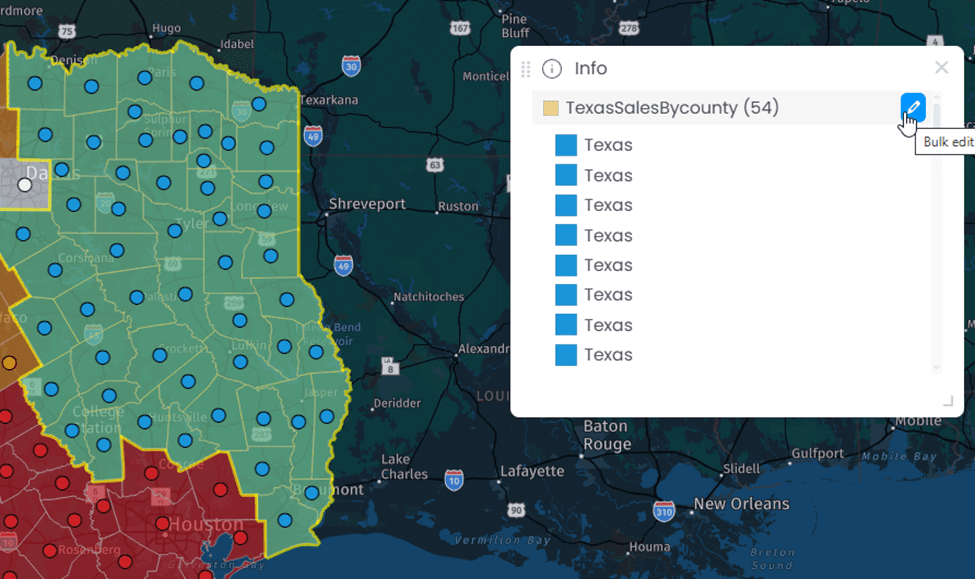
Once you are satisfied with your selection, you can view the selected polygons in the information window. To modify the information of the selected polygons, click the blue “Bulk Edit” icon.
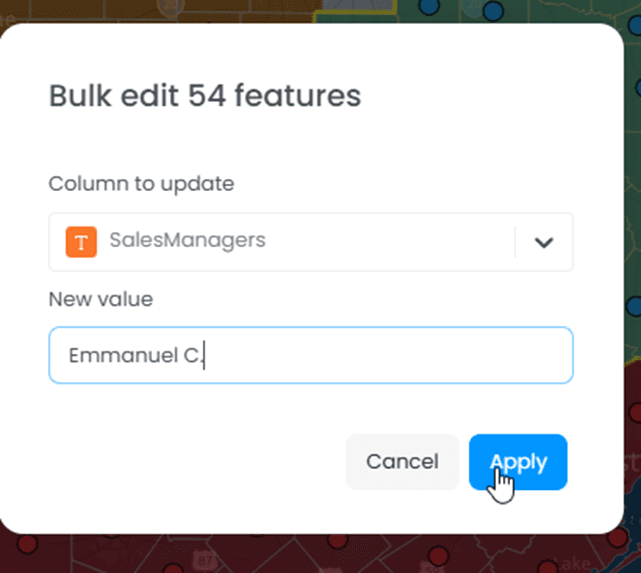
Choose the field you want to modify:
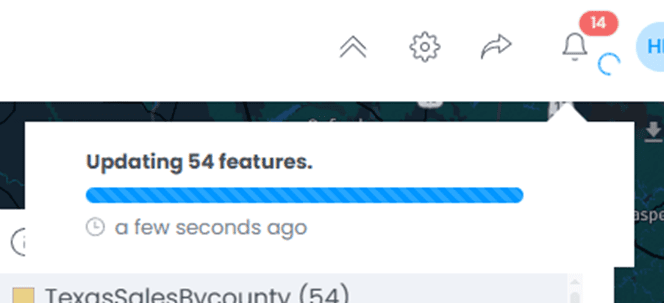
After clicking “Apply” a message indicates that the update is in progress:
And that’s it!