



Contact us
Still have unanswered questions and need to get in touch?
Publish your QGIS projects as interactive maps so your work can be explored and shared, no QGIS required for viewers.
QGIS to web
Use the CartoVista QGIS plugin to turn your GIS work into professional, interactive web maps that are easy to share with stakeholders, decision-makers, and the public.
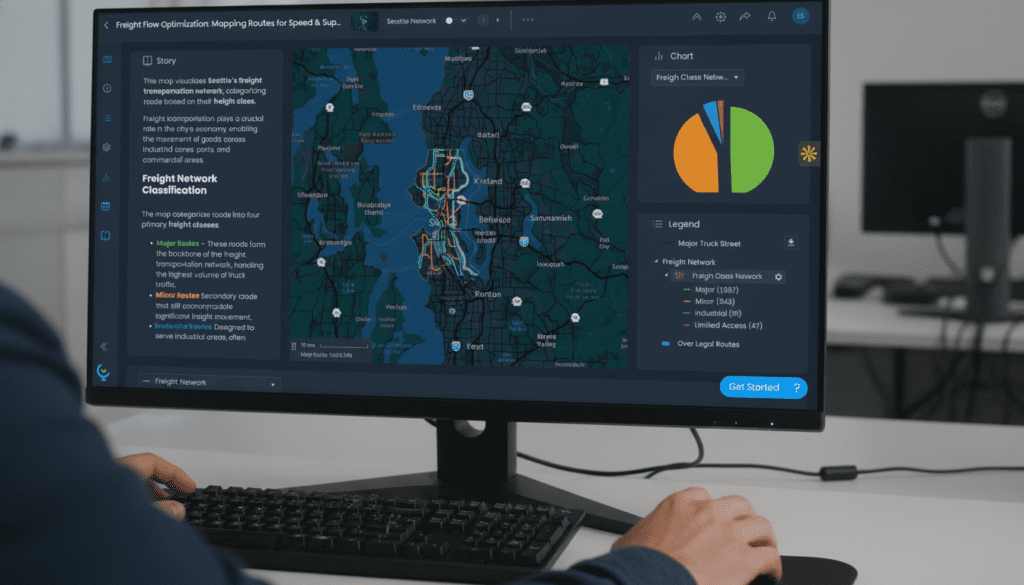
Why use the plugin?
• Share QGIS maps with anyone (no QGIS required)
• Preserve your symbology while adding interactivity
• Turn static maps into stories with charts, dashboards, and annotations
• Publish professional, public-facing maps in minutes
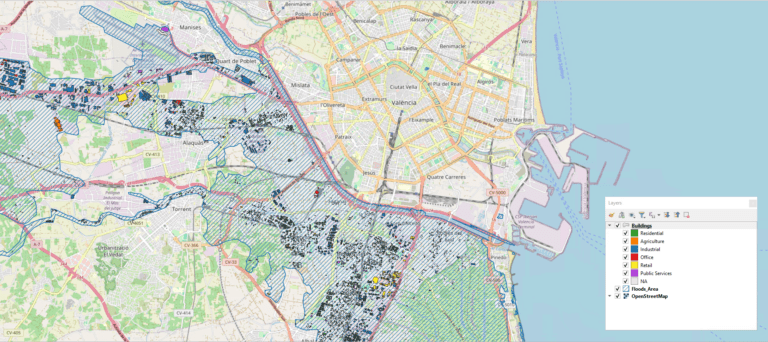
How it works
1. Design in QGIS
2. Install the plugin
3. Publish your map
4. Share the link with colleagues or the public
Publish your QGIS projects as interactive maps so your work can be explored and shared, no QGIS required for viewers.
Still have unanswered questions and need to get in touch?